
4.7 from 1,000+ ratings on the  App Store and
 Google Play
Invite as many people as you like. There is no viewer limit, so grandparents, cousins and friends abroad can all watch at once.

Guests open the event page in any browser. Only people with the link can watch, and there are no ads.
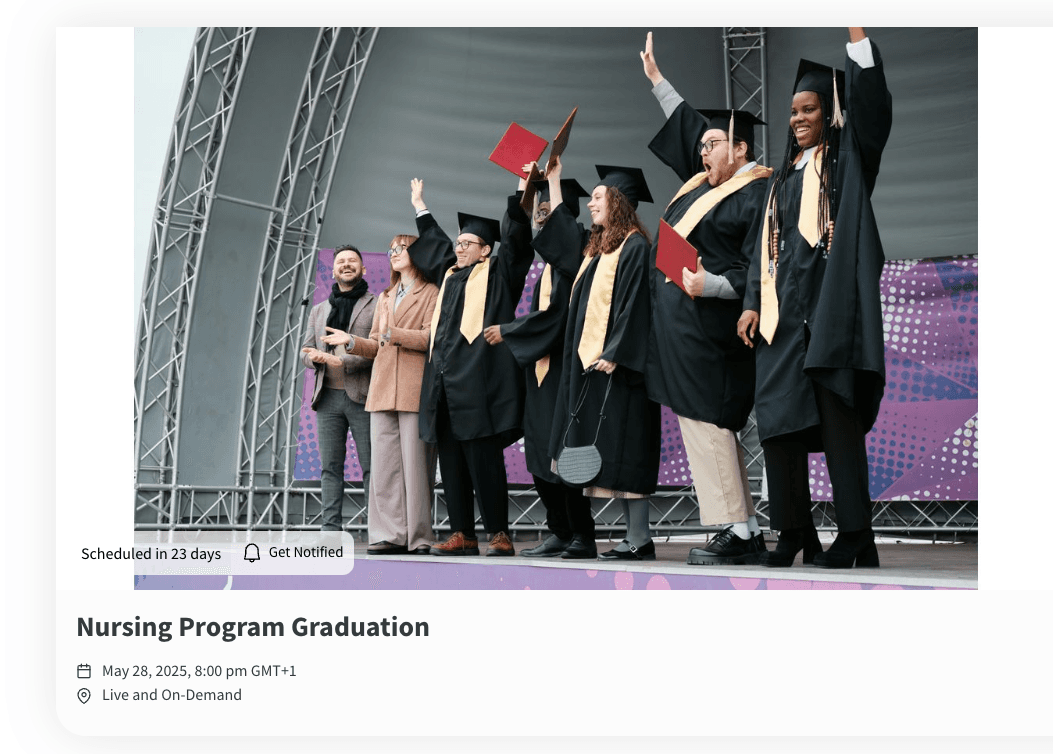
EventLive is intuitive and user-friendly on both sides. It takes just minutes to set up and share your live stream event, and it's easy for any guest to join and watch. No technical knowledge required.
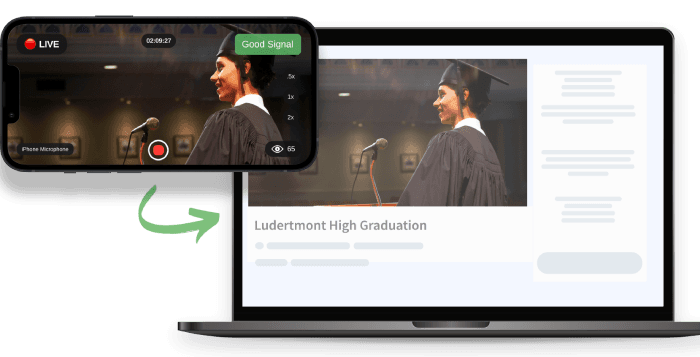
Guests can cast the stream to a TV. Afterwards the replay stays online for 30 days, and you can download the video to keep.
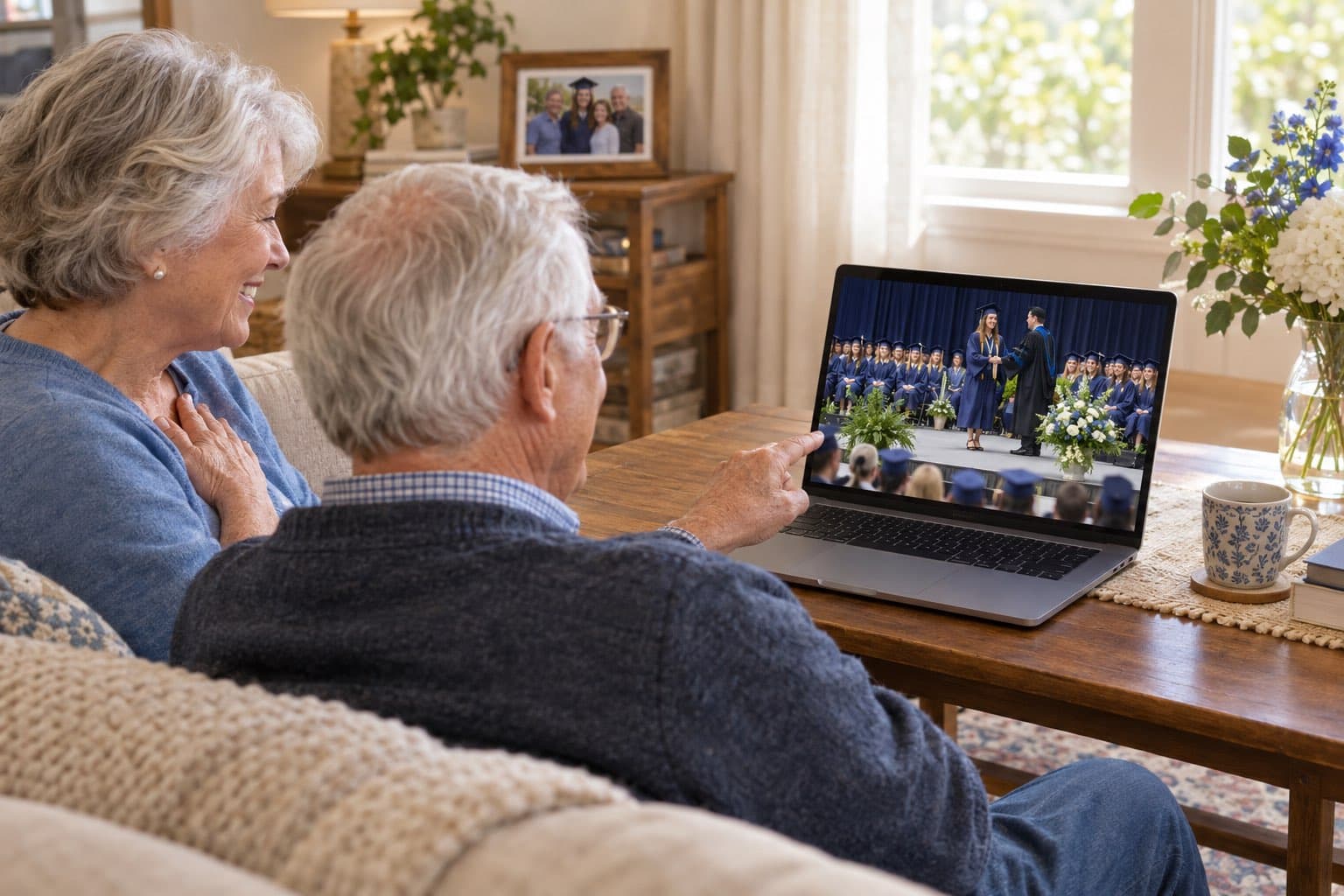
“Easy to use platform. I was able to stream my daughters entire graduation for a grandparent in the hospital. Worked flawlessly.”

We stand behind our service.
If it doesn't work for you, we'll refund you.

Have any questions?
We're always one message away.
Yes. Install the EventLive app on an iPhone or Android phone, create the event and tap Go Live when the ceremony starts. A small tripod keeps the picture steady.
By default, events include 30 days of online replay access. You can extend your event's online availability to 1 year or 10 years directly in the app. Regardless of the online duration, you can always download your event video to your device to keep forever. For B2B professionals, videos remain online as long as your subscription is active.
No. Everyone with the link can watch, live or later.
Yes. Add a cover photo, a welcome message and the schedule, so guests know when to tune in.
Message our support team from the app or the website, before or during your stream.
Set up the event in a few minutes and run a free test before the big day.


