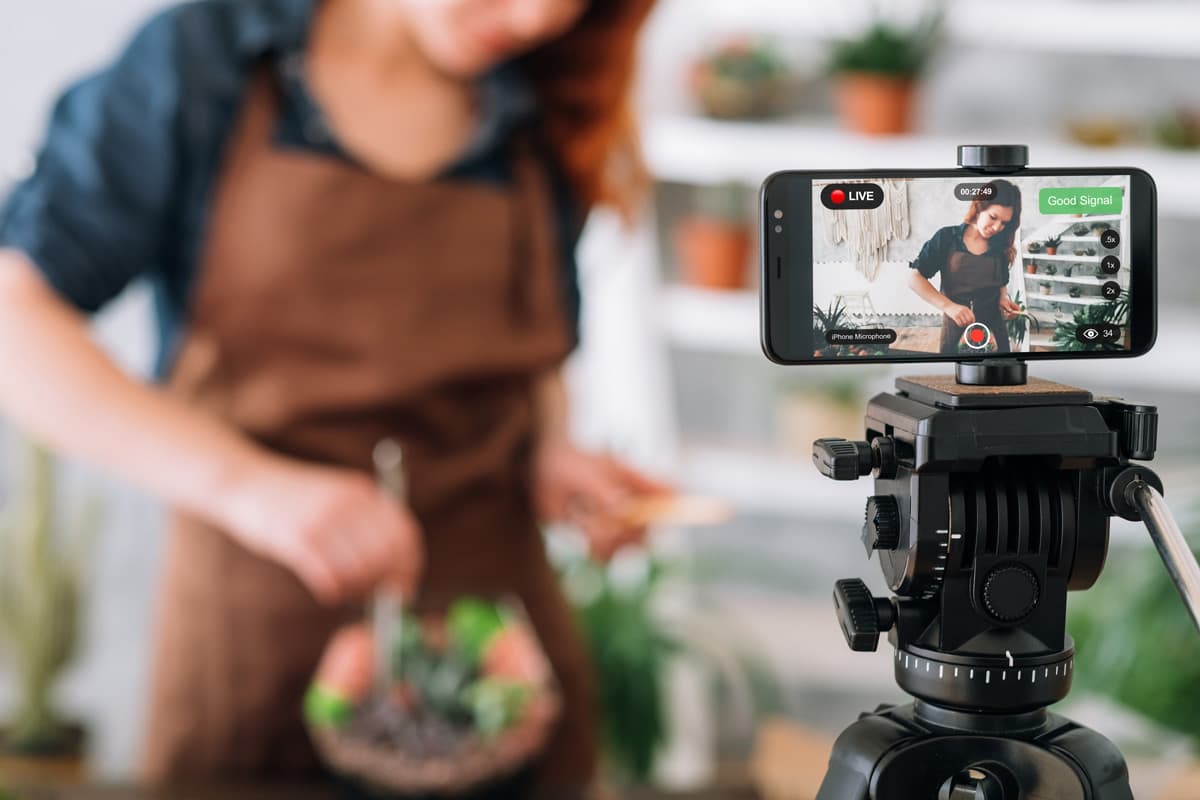
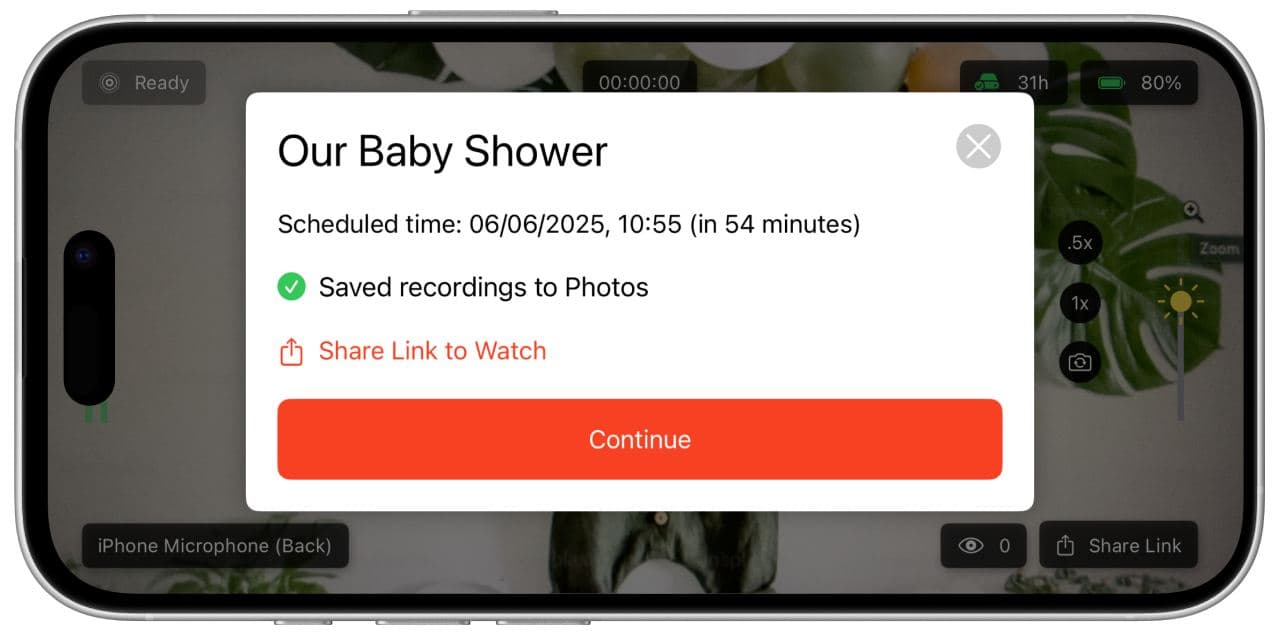
Schedule your event, invite your guests and go live from your iPhone or Android phone. It works anywhere with Wi-Fi or a data plan.


4.7 from 1,000+ ratings on the  App Store and
 Google Play
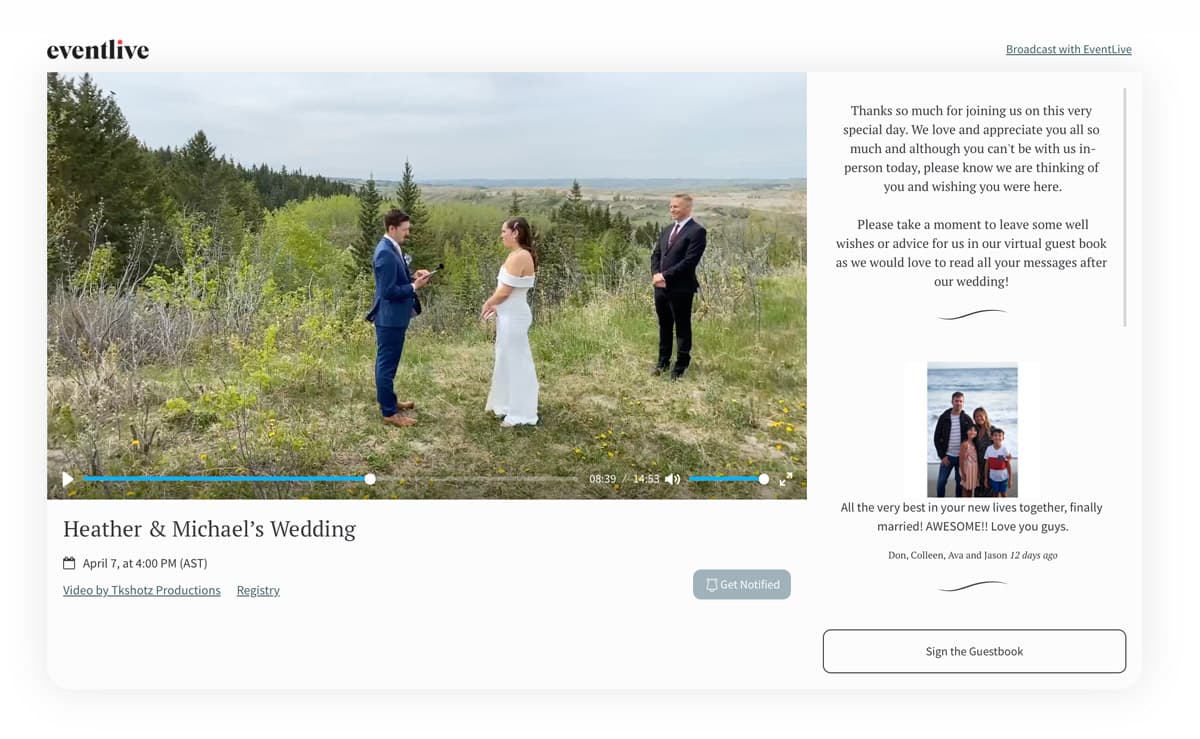
Set your URL, links, welcome message, cover image or video, and your logo with a free business account. Guests see it all on one page with the stream.
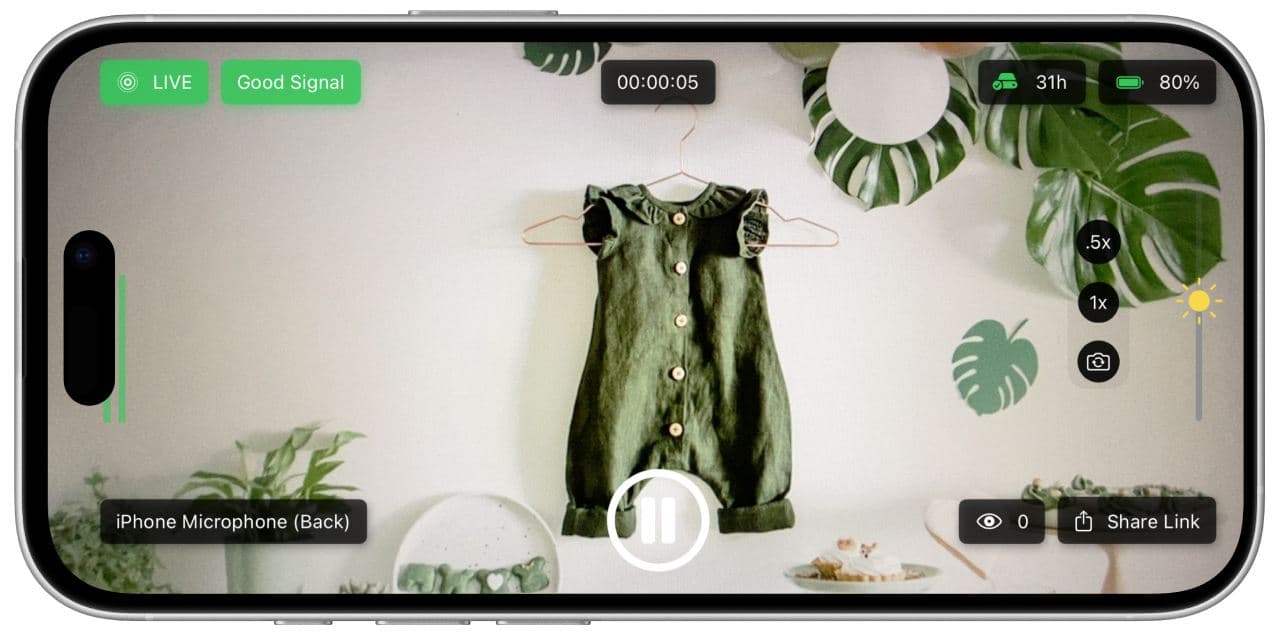
See the signal, audio levels and viewer count while you stream. Set the exposure, and change lenses without actually changing lenses.
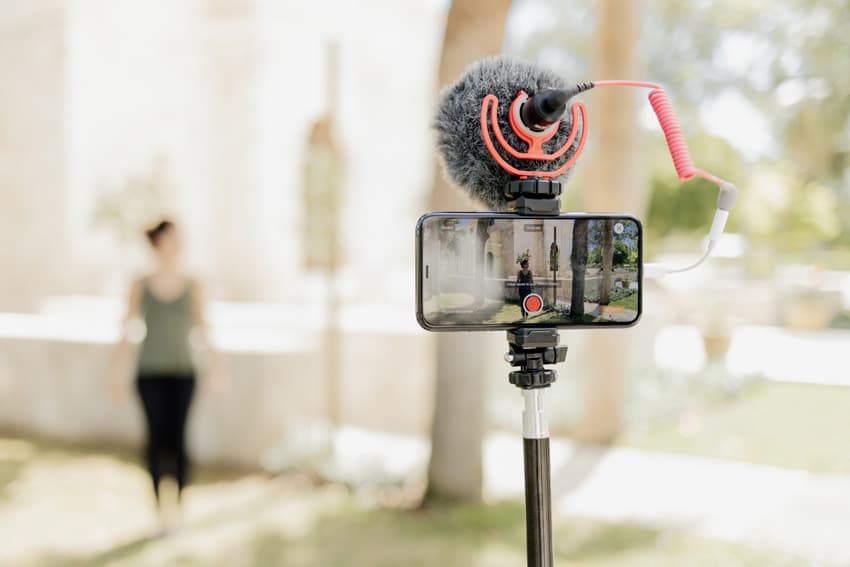
Plug a microphone into your phone and capture crisp audio. The app detects it automatically, with no configuration needed.
The app keeps a backup recording on your phone while you stream. Upload it to replace the live stream, and your guests are notified and can watch the replay. After the event, see your event stats.
“Stellar app, easy to use, very intuitive. I would highly recommend it, less complicated than Facebook and youtube especially from the viewer’s perspective (single click and you are there).”
“Worked wonderfully. I have an older iPhone and yet the video and audio were captured clearly.”

We stand behind our service.
If it doesn't work for you, we'll refund you.

Have any questions?
We're always one message away.
Yes. It works on iOS as well as Android phones. The app's page in the App Store or Google Play shows the current requirements for your phone.
No. Guests open your event link in a browser on a phone, tablet or computer, with no app and no account.
Wi-Fi or a mobile data plan. The app works anywhere you have either; run a free test at the venue to check the signal.
Yes. Plug it in and the app detects it automatically, with no configuration needed. Test the microphone in a free test before your event.
Yes. The app keeps a backup recording on your phone while you stream, and you can download the recording after the event.
Yes. Sign in to the Broadcaster Console on any computer. Your account and events are the same as in the app.
Yes. Free tests stream to a private test link that your guests don't see, and you can test as many times as you need.
Schedule your first event and run a free test before the day.
