



Live stream concerts and sell tickets

Fans buy a ticket on your own link and watch in any browser. Stream from a phone or your cameras, and the money goes to your Stripe account.

  • Free test streams
  • No credit card needed
A band playing a concert on a lit stage in front of a cheering crowd

Live stream your concert in 3 steps

  1. Create the event

    Add the show name, date and your logo. Connect Stripe and set a ticket price, or keep it free.
  2. Share the link

    Post your short event link anywhere, or embed the stream and tickets on your own website.
  3. Go live

    Stream in HD from the EventLive app on a phone, EventLive for Windows or Mac on a computer, or OBS or an ATEM over RTMP.

Made for live music

Tickets for one show or the whole festival

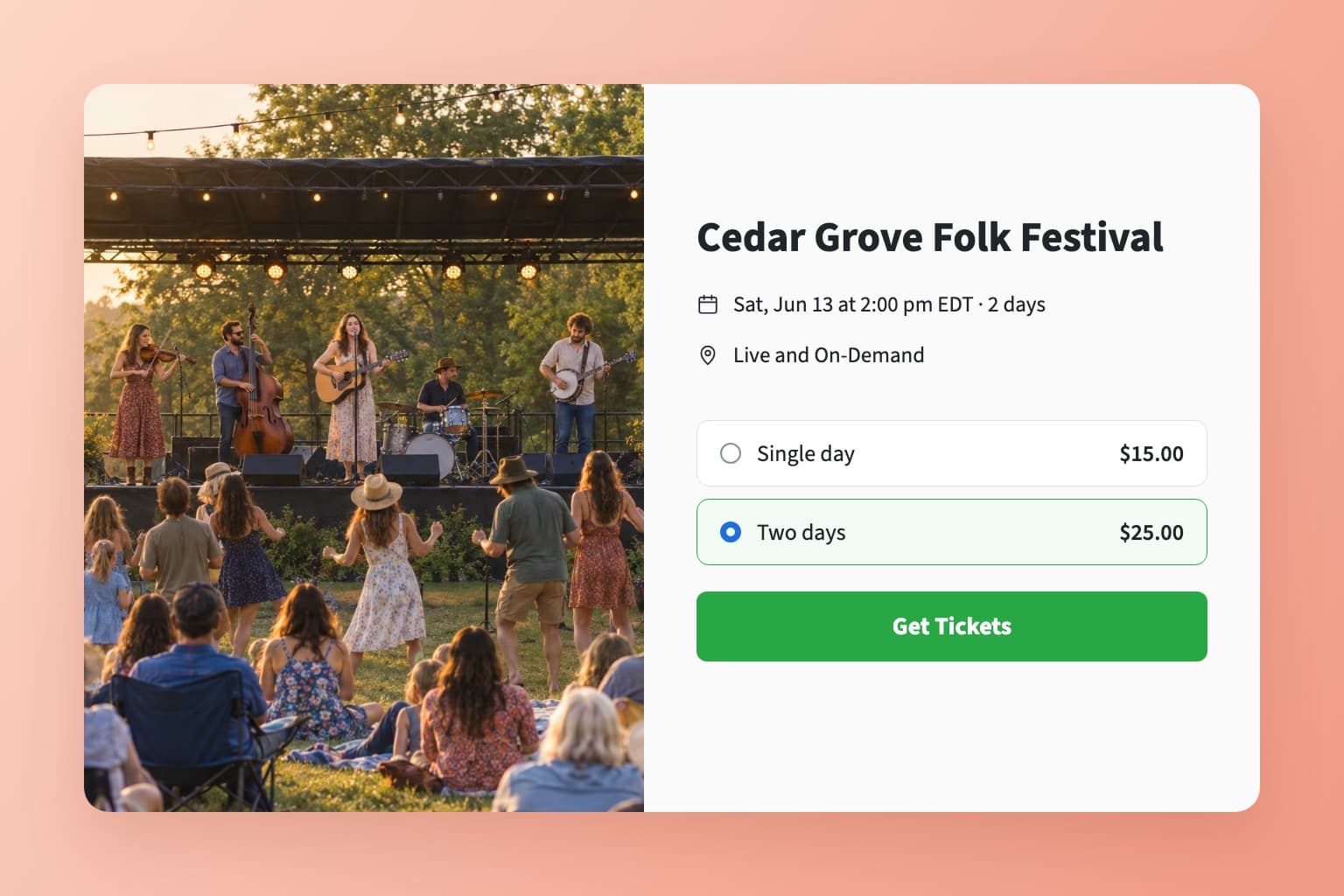
Connect your Stripe account in a few clicks (it's free to create one) and set a ticket price. For a festival, sell single-day or all-days passes, and fans pick one on the event page.

How ticket sales work
An EventLive ticket page for a two-day folk festival offering a single-day pass and a two-day pass

Every stage on one link

Add a room for each stage, up to 10, and fans switch between them with the tabs on one event page. One ticket can cover every stage, or sell a separate ticket for each. Each extra stage uses one more credit per day, or none on the Unlimited plan.

How multi-room events work
A camera operator live streaming a band on the main stage of an outdoor festival at dusk, with a second stage in the distance

Stream from a phone or the sound desk

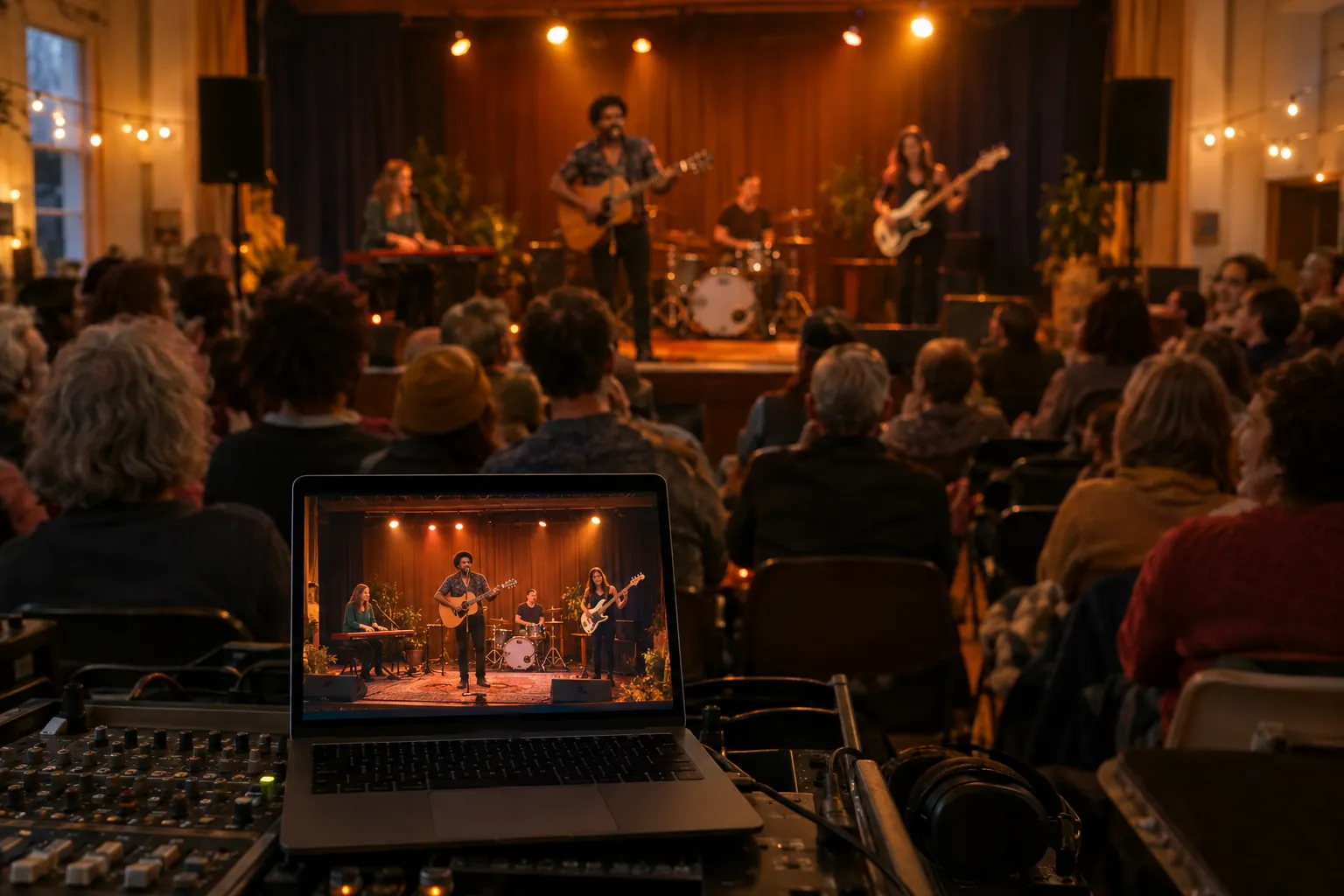
Start with the EventLive app on an iPhone or Android phone. For a bigger production, switch between your cameras in EventLive for Windows or Mac, or send your switcher's feed over RTMP from OBS or an ATEM.

How to go live using RTMP
A laptop at the sound desk streaming a band on stage in a small venue

Fans watch on the big screen, live or later

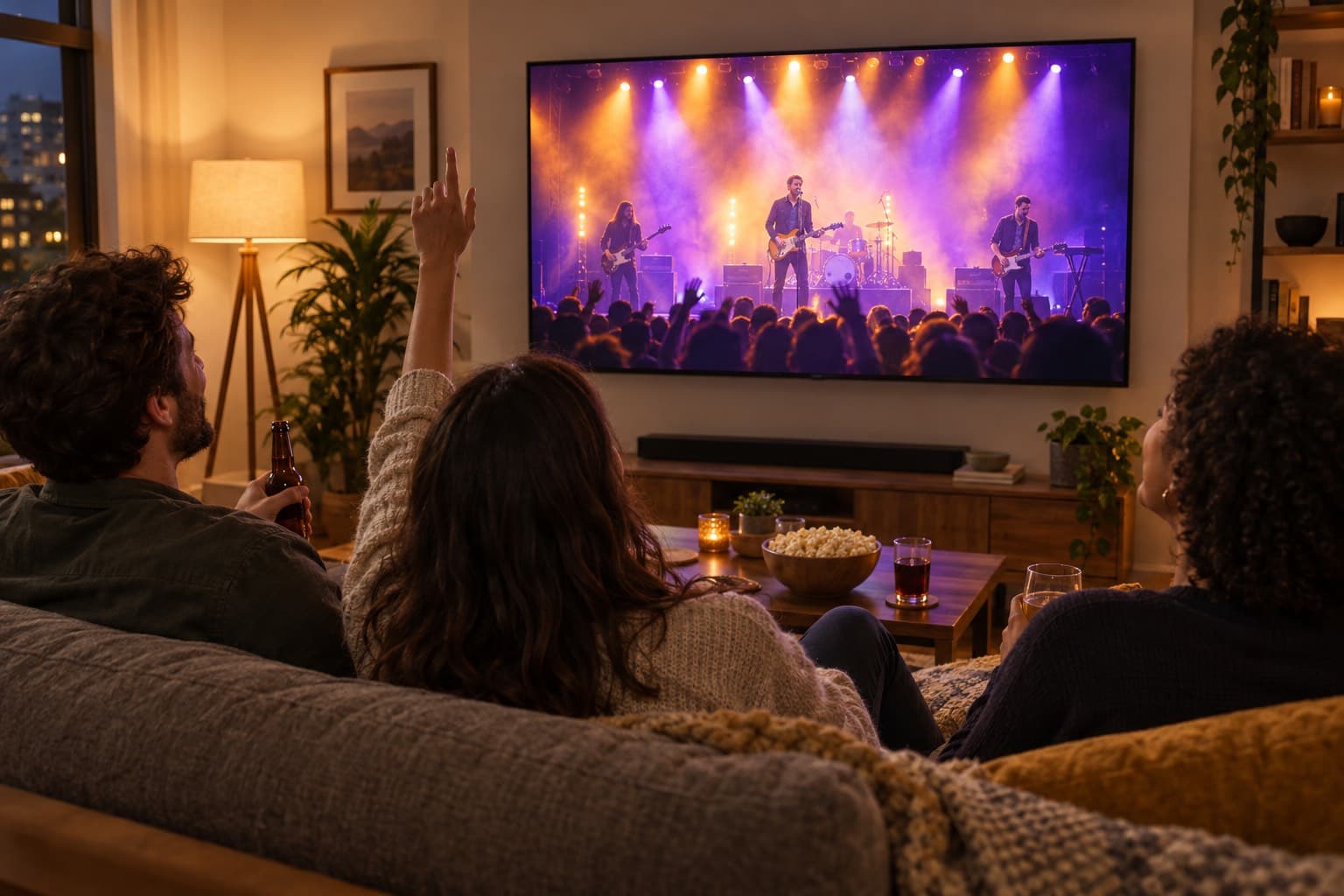
Your show streams in HD, and fans cast it to the TV with AirPlay or Chromecast, with no app or account. Replay is online for 30 days by default, so fans in other time zones watch later.

Watching on a TV
Friends on a sofa watching a live concert stream on a wall-mounted TV at home

What organizers say

Pricing for concerts and festivals

Event credits

Pay as you go
$59
$59 per event
5 events
$250
$50 per event
10 events
$400
$40 per event
25 events
$875
$35 per event
50 events
$1,500
$30 per event

Unlimited plans

AnnualSave $389/yr
$167
/month
Billed at $1,999/yr

Pay-per-view tickets

US $1.50

per ticket sold, plus Stripe's card processing fee

Set Up a PPV Event
  • Ticket money goes to your own Stripe account
  • Fixed or pay-what-you-want prices
  • Day passes, all-days passes and replays
  • No contract and no revenue split

Every event includes

  • 24 hours of Full HD streaming
  • Unlimited guests
  • Pause and resume to the same link
  • Play the music your event needs
  • Instant replay, online from 1 month to 10 years
  • Your own event link and page
  • Link to gift registries or donations
  • Photo guestbook or chat
  • Welcome message, cover photo or intro video
  • Automatic email reminders for guests
  • Guest emails with your logo
  • Embed the stream on your website
  • Optional password protection
  • Money-back guarantee
  • Invite by CSV, link or email
Compare business streaming platforms

Planning a show or a festival?

Tell us about it and we'll reply by email. You can create your account and run a test stream in the meantime.

  • Ticket prices and festival passes
  • Camera and sound setup for your venue
  • Several stages on one ticket

Rather start now? Create a free business account

Frequently asked questions

No. EventLive is designed to make concert live streaming accessible to everyone, with user-friendly setup tools.

Yes, EventLive includes integrated tools for selling tickets and managing pay-per-view access to your live streamed concert.

EventLive broadcasts your concert in high-definition video and audio for a professional-quality live stream.

No. For most events, there is no limit on viewers. For bigger professional events, there is a soft limit of 5,000 viewer hours, and none on events that sell tickets.

By default, events include 30 days of online replay access. You can extend your event's online availability to 1 year or 10 years directly in the app. Regardless of the online duration, you can always download your event video to your device to keep forever. For B2B professionals, videos remain online as long as your subscription is active.

Stream your next show

Create the event, open ticket sales and run a free test stream at sound check.